
Cloud computing has become one of the most important foundations of modern technology. Almost every application people interact with today, including email platforms, video streaming services, online stores, collaboration tools, and business software, relies on cloud infrastructure in some way. Understanding what cloud computing is and how it works is essential for students, professionals, and organizations that depend on digital services.
At its core, cloud computing replaces traditional, hardware-based IT environments with flexible and on-demand access to computing resources delivered over the internet. Instead of owning servers and maintaining physical equipment, users can access processing power, storage, databases, and software whenever they need them and pay only for what they consume. This model supports faster innovation, predictable costs, and smooth scaling as demand changes.
This guide explains cloud computing in clear and practical terms. It covers the core architecture, service models, deployment types, fundamental characteristics, business value, and common real-world use cases. Whether you are learning about cloud technology for the first time or seeking to deepen your technical knowledge, this article provides a comprehensive, well-structured overview.
Cloud Computing Defined: From Data Centers to the Internet
Cloud computing refers to the on-demand delivery of computing resources such as servers, storage, networking, databases, software, analytics, and development tools over the internet. Instead of purchasing and maintaining physical hardware in a private data center, users access these resources online and pay only for what they use. This approach enables deploying applications, storing data, and scaling workloads without dealing with hardware limitations or long procurement cycles.
The Paradigm Shift: Old Way vs. New Way
In traditional on-premises environments, organizations purchased physical servers, storage appliances, network switches, and backup equipment. They also handled maintenance, security updates, power consumption, cooling, and hardware replacements. Growth required new hardware, and unexpected demand increases could cause delays or outages.
Cloud computing introduced a new approach that removes these limitations. Instead of owning infrastructure, users consume computing capacity from large, professionally managed data centers. This allows them to easily increase or decrease resources, launch new applications in minutes, and avoid the high ongoing cost of maintaining physical equipment. It also enables consistent performance and improved reliability across a wide range of workloads.
Capital Expenditure (CapEx) vs. Operational Expenditure (OpEx)
One of the most important financial advantages of cloud computing is the shift from capital expenditures to operational expenditures. Traditional on-premises setups require significant upfront spending on hardware, licensing, and facility requirements. Cloud environments eliminate these large commitments and convert them into a recurring, usage-based operating expense.
This model improves financial flexibility because organizations pay only for the computing resources they actually consume. It also reduces the risks associated with technological changes, hardware lifecycle events, and long-term capacity planning.
The 5 Essential Characteristics of Cloud Computing (NIST Standard)
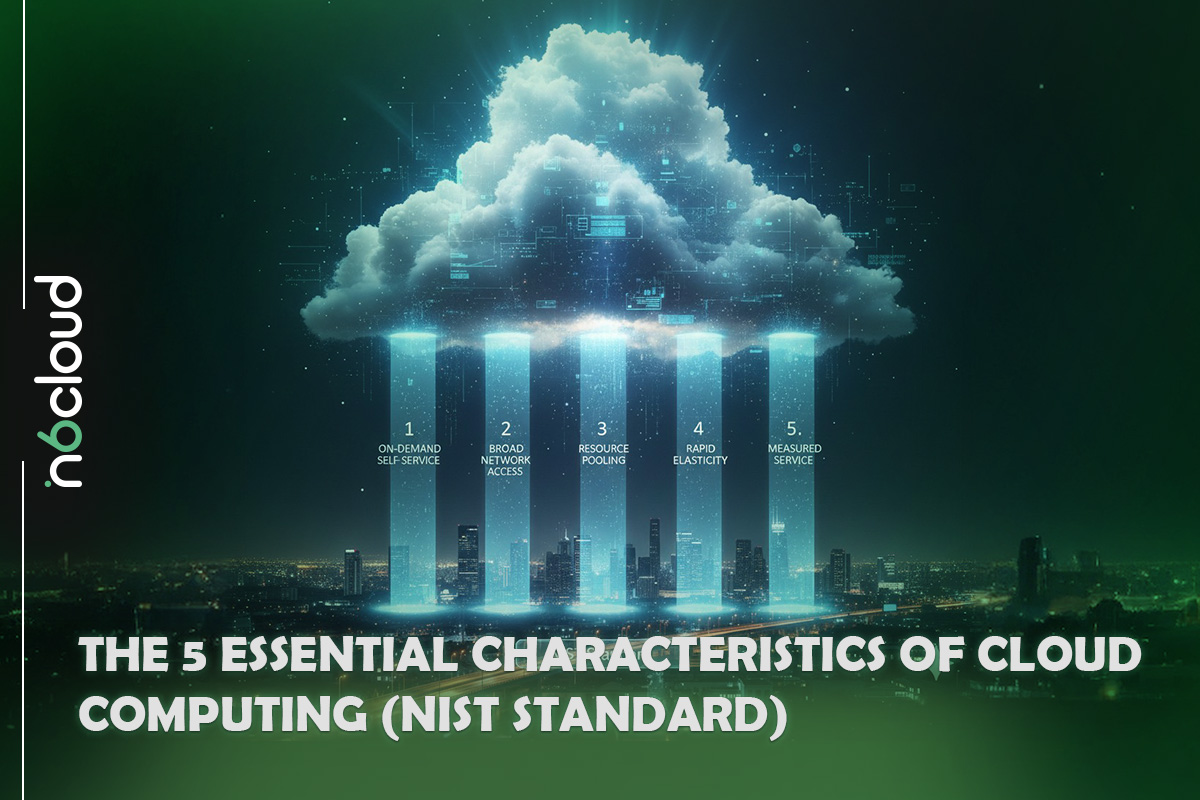
The National Institute of Standards and Technology (NIST) defines cloud computing based on five essential characteristics. These characteristics are present in every actual cloud environment, regardless of the provider, service model, or deployment type. They describe how cloud services operate and why they behave differently from traditional on-premises systems.
On-Demand Self-Service
Users can provision computing resources whenever they need them without waiting for manual approval or assistance from an administrator. This includes creating virtual machines, allocating storage, and configuring network settings directly through a portal or API. On-demand access ensures that projects can begin immediately and scale at the pace required by the workload.
Broad Network Access
Cloud services are available over the network through standard protocols and can be accessed from a wide range of devices. Laptops, desktops, smartphones, tablets, and thin clients can all connect to cloud resources using standard methods such as HTTPS. This makes cloud computing suitable for remote teams, distributed workforces, and applications that need to be available across multiple platforms.
Resource Pooling (Multi-Tenant Model)
Cloud providers pool their computing resources to serve multiple customers. Storage, processing power, memory, and network bandwidth are dynamically assigned and reassigned to meet demand. Users do not need to know the exact physical location of the underlying infrastructure, and multiple customers can safely share the same hardware through strong isolation mechanisms.
Rapid Elasticity (Scalability)
Cloud systems can expand or reduce resources quickly to match workload changes. Applications can scale out during busy periods and return to normal levels when demand decreases. This is especially useful for online stores, media platforms, analytics tasks, or any system with variable traffic. Elasticity ensures efficient resource use while maintaining consistent performance.
Measured Service (Pay as You Go)
Cloud usage is monitored and recorded in real time. Providers measure resource consumption such as CPU hours, storage capacity, data transfer, or active user accounts. This allows customers to pay only for the services they use. It also creates transparency and enables cost optimization through rightsizing and usage analysis.
The Core Architecture of Cloud Computing
Cloud computing relies on a combination of client-side interfaces, provider-managed infrastructure, and high-speed networking. Together, these components create a platform that enables users to access computing resources remotely, deploy applications, and manage workloads efficiently. While the underlying architecture varies between providers, the fundamental structure remains consistent across most cloud environments.
Front End (Client Interface)
The front end includes the tools and interfaces that users interact with when accessing cloud services. This typically involves web browsers, desktop applications, mobile apps, or software development kits. Thin clients rely on the browser to perform most tasks, while thick or fat clients may include installed applications with additional features and processing capabilities. The front end connects users to the cloud with minimal local hardware requirements.
Back-End Platforms (The Cloud Engine)
The back end is where cloud providers manage the computing resources that deliver services to customers. This includes physical servers, virtualization layers, operating systems, storage systems, and distributed computing clusters. Providers use resource allocation tools to balance workloads, ensure availability, and maintain performance. Customers interact with these back-end resources through portals, command-line tools, or application programming interfaces.
Cloud-Based Delivery and Network
Cloud services are delivered through reliable, high-speed network connections. Access can occur through the public internet, dedicated private circuits, or internal organizational networks, depending on the deployment model. Cloud providers maintain global data center networks to reduce latency, distribute workloads, and support redundancy. These networks allow applications and data to be accessible from virtually any location while maintaining consistent performance.
Cloud Service Models (The As-a-Service Stack)
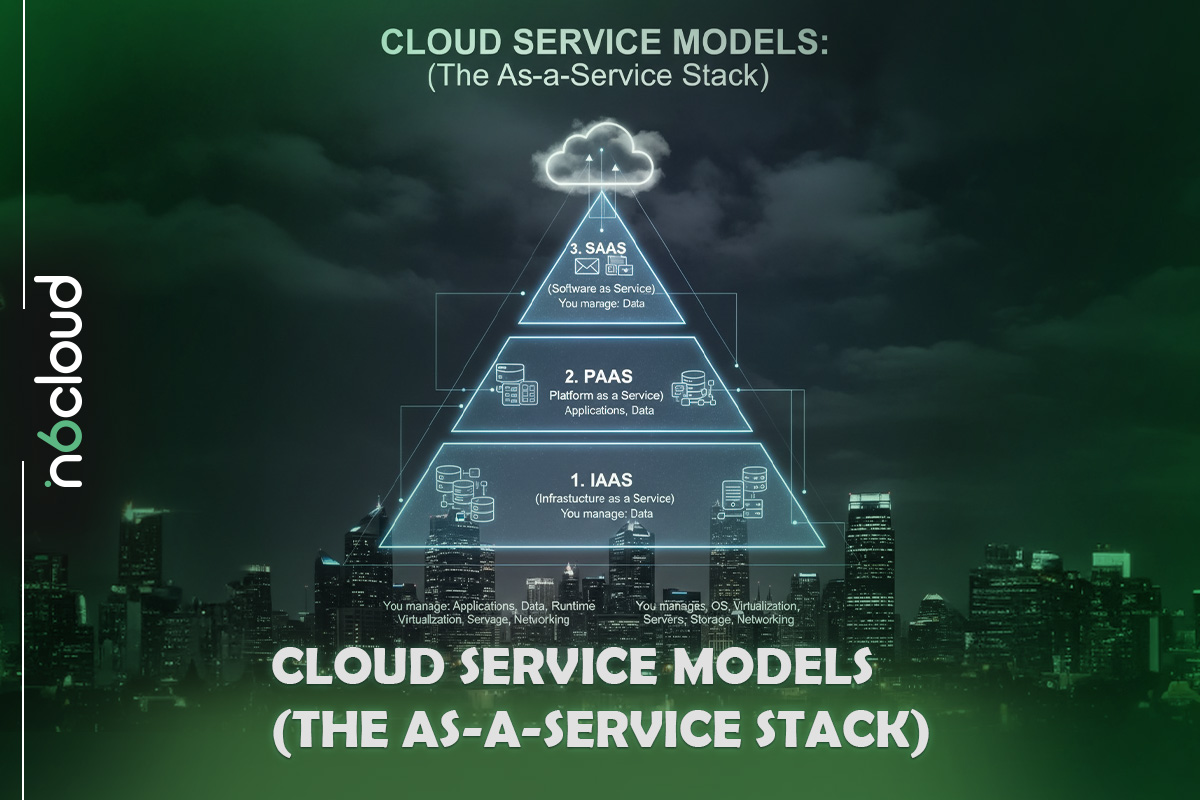
Cloud service models describe the different levels of control and responsibility shared between the provider and the customer. Each model offers a specific set of features and management requirements, ranging from fully managed applications to complete control over virtualized infrastructure. Understanding the distinctions helps users select the right model for their technical needs, budget, and long-term goals.
Infrastructure as a Service (IaaS)
Infrastructure-as-a-Service provides virtualized computing resources over the internet. Customers rent components such as virtual machines, block storage, and networks while maintaining full control over the operating system, applications, and data. IaaS is often used for custom applications, development environments, and workloads that require flexibility or specific configurations. Examples include virtual server instances, scalable storage, and dedicated network environments.
Platform as a Service (PaaS)
Platform-as-a-Service provides a preconfigured environment for developing, testing, and deploying applications. The provider manages the operating system, middleware, runtime environment, and infrastructure. Customers focus on writing code and delivering applications without worrying about patches, server maintenance, or system upgrades. PaaS is ideal for developers who want to streamline workflows and accelerate app delivery.
Software as a Service (SaaS)
Software-as-a-Service provides fully managed applications accessible through a web browser or app interface. The provider handles everything from server management to application updates and security. Customers simply log in and use the software without installing anything locally. SaaS is commonly used for email services, productivity tools, customer relationship management systems, and collaboration platforms.
Function as a Service (FaaS) and Serverless Computing
Function-as-a-Service allows users to run individual functions or small pieces of code in response to specific events. The cloud provider manages the servers, runtime environment, and scaling automatically. Customers are charged only when the function executes. This model supports lightweight, event-driven applications, automation tasks, and microservices architectures. Serverless computing follows the same principle by abstracting infrastructure management from the user.
Cloud Deployment Models (Where the Cloud Lives)
Cloud deployment models describe how cloud environments are structured, who owns them, and how they are accessed. Each model offers a different balance of control, privacy, scalability, and cost. Understanding these environments helps organizations choose the right approach for their applications and data.
Public Cloud
A public cloud is owned and operated by a third-party provider that delivers computing services over the internet. These services, which include virtual machines, databases, and storage, are shared across multiple customers through a multi-tenant architecture. Public cloud environments are designed for high scalability and rapid provisioning and are commonly used for web applications, mobile back ends, development environments, and analytics platforms that require flexible capacity.
Private Cloud
A private cloud is dedicated to a single organization and can be hosted either on the company’s premises or by a trusted provider. Since the environment is not shared with other customers, it offers enhanced control, customization, and security. This model is often chosen by companies in the financial services, healthcare, or government sectors, as well as by businesses that handle sensitive information or require strict compliance and governance controls.
Hybrid Cloud
A hybrid cloud combines private and public cloud environments, enabling data and applications to move between them as needed. This approach provides flexibility by keeping sensitive workloads in a private cloud while using public cloud resources for additional capacity or less critical tasks. Hybrid setups are frequently used for systems with seasonal or unpredictable demand, for applications that must meet regulatory requirements, and for organizations that want to balance agility with control.
Multicloud
A multicloud environment uses services from two or more public cloud providers simultaneously. This approach helps organizations avoid dependence on a single vendor, improve resilience, and choose the most suitable platform for each workload. Multicloud strategies are commonly adopted to distribute applications across multiple providers, build redundant architectures, or select services based on performance, geographic reach, or cost.
The Business Benefits Driving Cloud Adoption
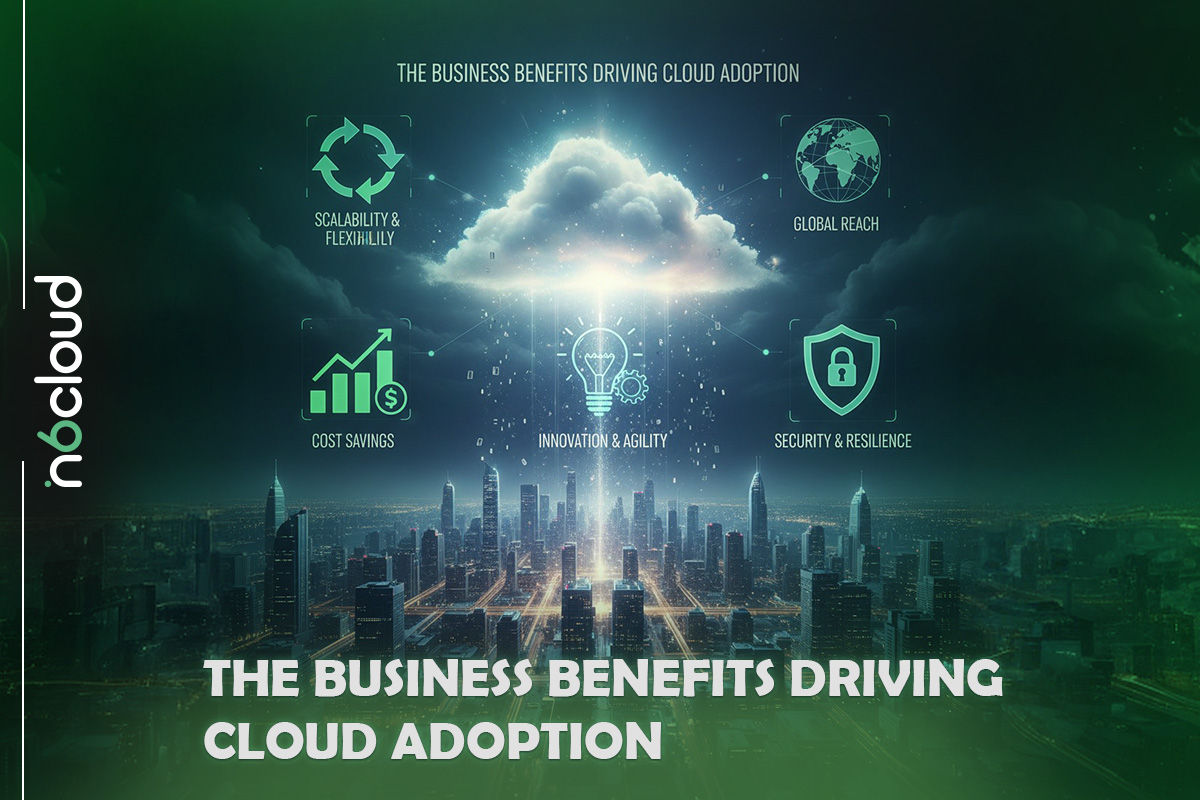
Organizations continue to adopt cloud computing because it offers measurable improvements in efficiency, performance, and long-term operational strategy. These benefits apply to businesses of all sizes and across nearly every industry, from small startups to global enterprises.
Financial Advantages (Cost Effectiveness)
Cloud computing reduces the need for large upfront investments in hardware, software licensing, and physical infrastructure. Instead of purchasing servers, storage systems, or networking equipment, organizations pay only for the resources they use. This eliminates hardware refresh cycles, reduces ongoing maintenance costs, and allows budgets to be allocated more flexibly. The ability to adjust spending based on actual consumption also helps prevent over-provisioning and excess capacity that may never be used.
Speed and Agility
Cloud platforms allow new resources to be deployed within minutes. Teams can create development environments, launch virtual servers, and provision databases without waiting for hardware delivery or manual setup. This accelerates innovation, simplifies testing, and helps businesses bring new products and features to market much sooner. The cloud supports rapid experimentation and shorter development cycles, which are essential for competitive growth.
Enhanced Reliability and Business Continuity
Cloud providers design their infrastructure with redundancy, failover capability, and continuous monitoring. This improves availability and reduces the risk of downtime caused by hardware failures or local disruptions. Built-in backup and disaster recovery options help organizations protect their data and restore operations quickly in the event of an incident. These features allow businesses to maintain continuity even during unexpected outages.
Global Reach and Reduced Latency
Cloud data centers are located in many geographic regions, which allows applications to run closer to end users. By deploying services in multiple locations, businesses can improve performance, reduce latency, and serve global audiences more efficiently. This capability is especially valuable for streaming platforms, e-commerce websites, content delivery applications, and services that rely on real-time interaction.
Cloud Security and the Shared Responsibility Model
Security is a significant consideration for any organization moving to the cloud. Cloud providers invest heavily in physical protection, network infrastructure, and platform security, but customers also play an important role in safeguarding their data and applications. Understanding the shared responsibility model is essential for building a secure cloud environment.
The Shared Responsibility Model
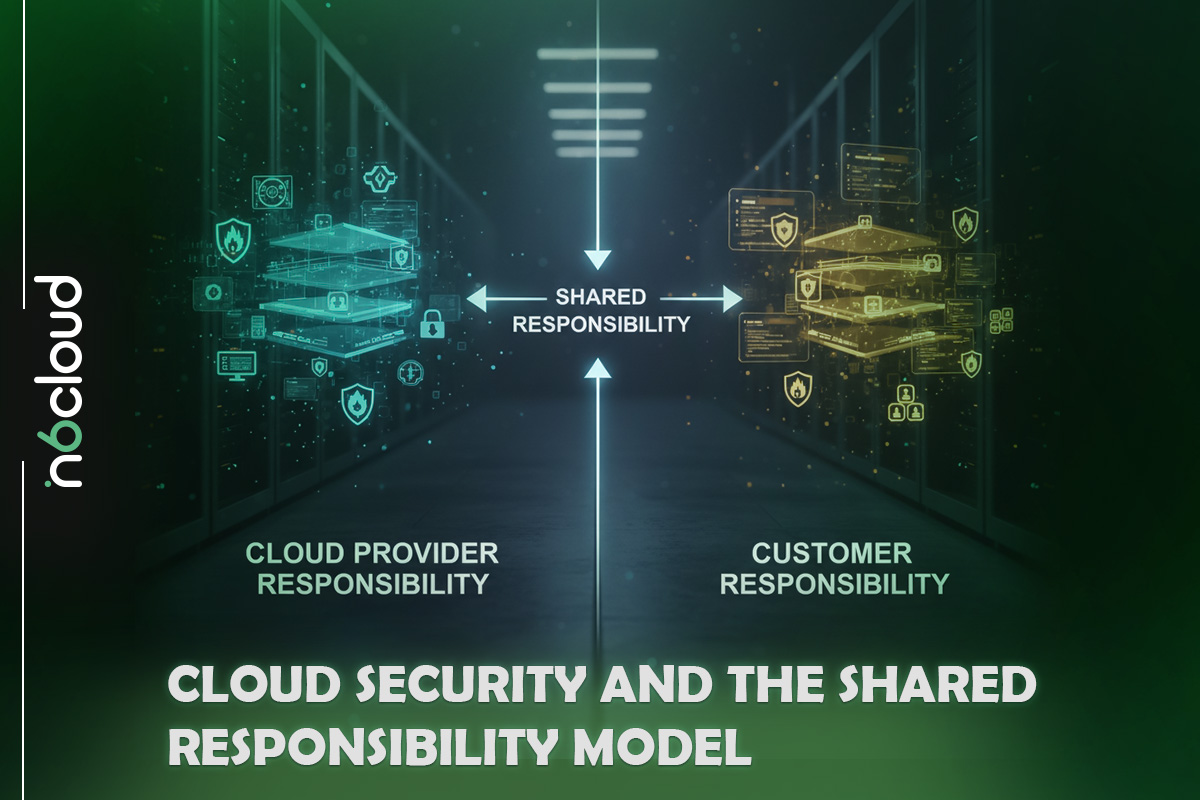
The shared responsibility model defines the division of security tasks between the cloud provider and the customer. The provider is responsible for the security of the cloud. This includes the physical data centers, networking hardware, storage systems, and the overall infrastructure that runs cloud services. Providers manage hardware maintenance, environmental controls, physical access, and the security of the virtualization layers.
The customer is responsible for cloud security. This includes managing user access, data encryption, firewall rules, operating system configuration, and application-level protections. The level of responsibility varies depending on the service model. For example, customers using IaaS control operating systems and applications, while customers using SaaS focus on user permissions and data governance.
Essential Security Practices
Protecting cloud workloads requires strong security practices that align with organizational requirements. Encrypting data at rest and in transit helps ensure confidentiality. Implementing strict access control policies limits who can view or modify sensitive information. Multi-factor authentication reduces the risk of unauthorized access by adding an additional verification step. Regular monitoring, log reviews, and adherence to compliance standards also contribute to a secure cloud environment.
Real World Cloud Use Cases
Cloud computing supports a wide range of applications across different industries. Its flexibility, scalability, and cost efficiency make it suitable for workloads that require reliable performance, global accessibility, and fast deployment. Below are some of the most common and practical uses of cloud technology today.
Big Data Analytics and AI or ML Training
Large-scale analytics and machine learning workloads require significant processing power and storage capacity. Cloud platforms can provide these resources instantly, without the need to purchase or maintain specialized hardware. Organizations use cloud-based clusters to process large datasets, train machine learning models, and run complex simulations. This approach allows teams to experiment and scale their workloads as needed while controlling costs.
Hosting Scalable Websites and Applications
Websites, mobile applications, and online services often experience fluctuations in traffic. Cloud environments allow these systems to scale automatically whenever demand increases and return to normal usage when activity slows. This is particularly valuable for e-commerce platforms, streaming services, booking systems, and customer-facing applications that must remain responsive during peak periods.
Software Development and Testing
Development teams use cloud platforms to create and manage testing environments without waiting for physical hardware to be set up. They can deploy virtual machines, databases, and development tools within minutes. The cloud supports version control, continuous integration, and automated deployment pipelines, thereby streamlining the software development lifecycle and reducing time-to-market.
Disaster Recovery and Backup
Cloud-based disaster recovery solutions allow organizations to protect their data and maintain operations during unexpected outages. Backups can be stored in multiple geographic regions, ensuring resilience against hardware failures or local disruptions. In the event of an incident, systems can be quickly restored from cloud-hosted replicas, minimizing downtime and preserving business continuity.

Major Cloud Service Providers (CSPs)
The cloud computing industry includes several well-established providers that offer a wide range of services across global data centers. Although each provider has its own strengths and specialties, all deliver the core building blocks of cloud infrastructure: compute, storage, networking, and managed services. Understanding the major players helps users compare capabilities and choose the right environment for their needs.
Amazon Web Services (AWS)
Amazon Web Services is one of the most widely used cloud platforms. It offers a wide range of services, including virtual machines, object storage, managed databases, serverless computing, and analytics tools. AWS operates in many geographic regions and supports a broad set of use cases, from simple hosting to advanced machine learning workloads.
Microsoft Azure
Microsoft Azure provides a comprehensive cloud platform with strong integration for organizations that use Windows-based systems and Microsoft software. Azure offers virtual machines, managed SQL databases, developer tools, and enterprise-focused services. It is commonly chosen by businesses that rely on Microsoft technologies or require hybrid cloud solutions.
Google Cloud Platform (GCP)
Google Cloud Platform is known for its strengths in data analytics, machine learning, and high-performance networking. GCP provides compute instances, container management, cloud storage, and managed databases. It is often selected by teams working on data-intensive applications or environments that benefit from Google’s global infrastructure.
Other Major Players
Several additional vendors provide cloud infrastructure and specialized services. These include IBM Cloud, Oracle Cloud, Alibaba Cloud, and other regional or industry-focused providers. Each platform offers unique capabilities that may suit specific workloads or compliance requirements.
Conclusion
Cloud computing has transformed the way individuals, businesses, and entire industries use technology. By providing on-demand access to computing resources through the internet, it removes the limitations of traditional hardware-based systems and enables faster, more flexible, and more efficient operations. Its core characteristics, including rapid elasticity, resource pooling, measured service, and broad network access, allow organizations to adjust capacity smoothly, maintain consistent performance, and control costs with greater precision.
Understanding the different service models helps users choose the right level of control and management for their applications. IaaS, PaaS, SaaS, and FaaS each provide distinct advantages depending on the technical requirements and goals. Deployment models such as public, private, hybrid, and multicloud offer additional flexibility by allowing organizations to match workloads with the environment that best supports security, compliance, and scalability needs.
From global reach and improved reliability to rapid development and simplified disaster recovery, cloud computing delivers significant value across many areas of modern technology. As digital services continue to grow and evolve, the cloud remains a central component of efficient and sustainable IT strategy. A clear understanding of its principles, benefits, and real-world applications helps individuals and businesses make well-informed decisions and build solutions that are ready for the future.