Over the last few years, small businesses have increasingly moved away from running their own servers in offices or local data centres. Managing physical hardware used to be seen as a necessary part of owning a website or running business software, but it often came with high upfront costs, limited flexibility, and constant maintenance concerns. As technology expectations have grown and customers demand faster, more reliable digital experiences, this traditional approach has become harder to justify for most small and medium-sized businesses.
Cloud servers offer a different way of thinking about infrastructure. Instead of investing heavily in hardware that may become outdated or insufficient within a few years, businesses can access computing resources on demand from professionally managed environments. This shift changes infrastructure from a capital expense into an operational one, allowing companies to pay only for what they use and adjust resources as their needs evolve. For small businesses, this reduces financial risk and removes many of the technical barriers that once slowed growth.
Choosing a cloud server is therefore not just a technical setup task. It is a decision that directly affects performance, security, and the ability to scale without disruption. The right choice can support growth smoothly, while the wrong one can lead to unexpected costs or painful migrations later. With many providers offering different features, pricing models, and service levels, understanding the fundamentals is essential before committing to a long-term platform.
This guide is designed to help small business owners and decision makers approach cloud server selection with confidence. Rather than focusing on trends or overly complex features, it explains what matters most in real business scenarios and how to evaluate cloud options based on practical needs.
What Is a Cloud Server and Why Does Your Business Need One?
A cloud server is a virtual server that runs inside a high-performance data centre rather than on hardware you own. Using virtualization technology, powerful physical servers are divided into multiple independent environments, each functioning as a separate machine with its own operating system, resources, and configuration. From the business user’s perspective, a cloud server behaves much like a traditional server, but with far greater flexibility and reliability.
For small businesses, this model solves several common challenges at once. Capacity is no longer fixed at the time of purchase, which means you do not have to overestimate future needs or worry about running out of resources unexpectedly. If your website traffic grows, your applications expand, or new services are added, the cloud server can be adjusted to match those changes without replacing hardware or scheduling long outages.
Cloud servers also support the way modern businesses operate. Teams are often distributed, employees work remotely, and systems must be accessible from multiple locations at all times. Cloud infrastructure is designed with redundancy in mind, using multiple power sources, network paths, and backup systems to maintain availability. This level of resilience is difficult and expensive for small businesses to achieve on their own using physical servers.
Security is another important factor. While no system is completely risk free, cloud servers typically include network-level protections, encrypted connections, and monitoring tools as part of the platform. These built-in features reduce the burden on small businesses and provide a stronger security foundation than many on-premise setups. Combined with proper configuration and access controls, cloud servers offer a secure and scalable environment for running essential business workloads.
In practical terms, a cloud server gives small businesses access to enterprise-grade infrastructure without enterprise-level complexity. It allows companies to focus on their core operations while relying on a flexible and resilient foundation that can grow alongside the business.
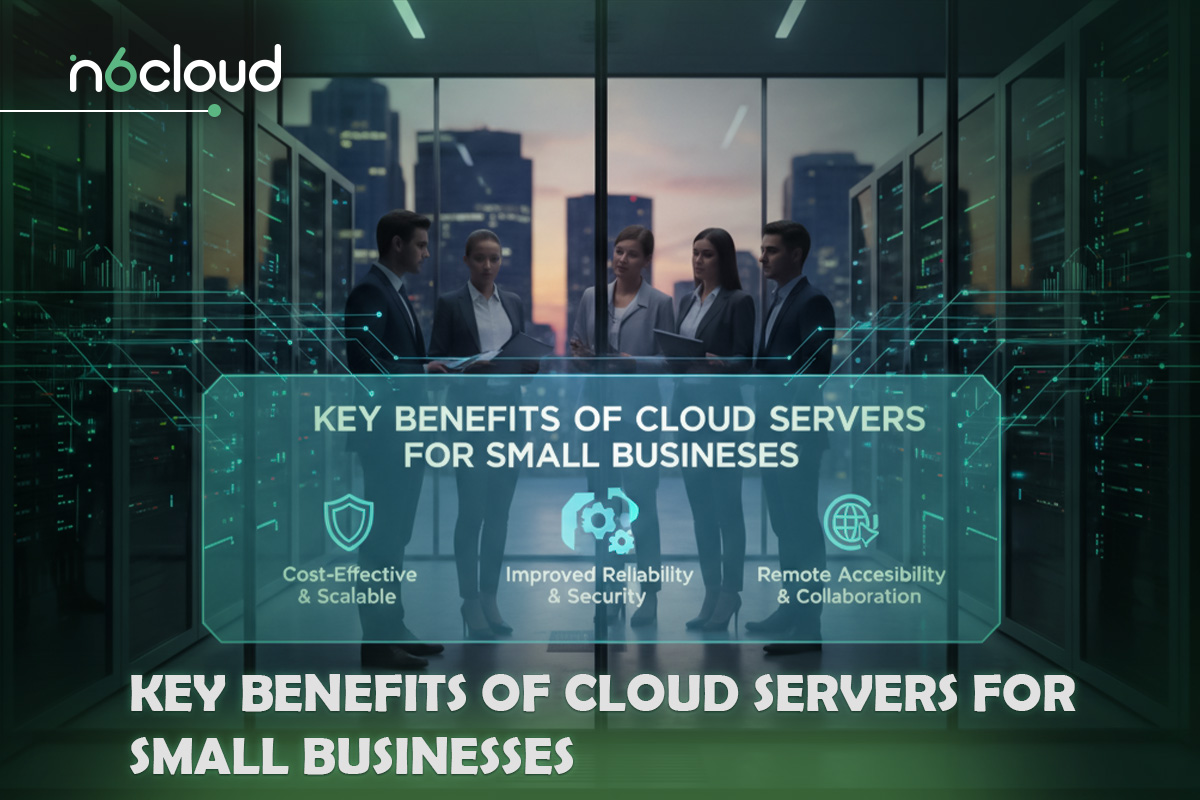
Key Benefits of Cloud Servers for Small Businesses
One of the main reasons cloud servers have become so popular among small businesses is their ability to control costs without sacrificing performance. Traditional infrastructure often requires significant upfront spending on servers, networking equipment, backup systems, and ongoing maintenance contracts. Much of that investment is made before the business fully understands its actual needs. Cloud servers remove this pressure by allowing businesses to pay only for the resources they actively use. Instead of guessing future capacity, you can start with a modest setup and expand gradually as demand increases, which helps keep technology spending aligned with real business activity.
Scalability is closely tied to cost control, but its value goes beyond budgeting. Small businesses rarely grow in perfectly predictable ways. A new marketing campaign, seasonal demand, or the launch of an online service can quickly change resource requirements. With a cloud server, increasing CPU power, memory, or storage is typically a matter of minutes rather than weeks. This ability to scale without replacing hardware or migrating systems allows businesses to respond quickly to opportunities without technical delays holding them back.
Cloud servers also support the reality of modern work environments. Many small businesses now operate with remote or hybrid teams, contractors in different regions, or customers accessing services around the clock. Cloud infrastructure is designed to be accessible from anywhere with proper authentication, making collaboration easier and more secure. Employees can work reliably from different locations while accessing the same systems and data, which improves productivity and reduces dependency on a single physical office.
Security is another area where cloud servers offer meaningful advantages. Building a secure on-premise environment requires specialised knowledge and constant attention, which is often unrealistic for small teams. Cloud platforms typically include network firewalls, traffic filtering, and encrypted data transmission as part of the underlying infrastructure. These protections help defend against common threats such as brute-force attacks and denial-of-service attempts. While businesses are still responsible for securing their applications and user access, the platform itself provides a strong baseline that reduces risk and simplifies compliance efforts.
Reliability is often overlooked until something goes wrong, but it is one of the most important benefits of cloud servers. Professional data centres are built with redundancy at every level, including power, cooling, and networking. This means that hardware failures or local disruptions are far less likely to take services offline. For small businesses, this level of uptime supports customer trust and prevents revenue loss caused by unexpected downtime.
Taken together, these benefits explain why cloud servers have become a foundation for small business infrastructure. They offer a balance of affordability, flexibility, security, and reliability that is difficult to achieve with traditional hardware. Rather than acting as a limitation, the cloud becomes an enabler, allowing businesses to grow confidently while keeping technical complexity under control.
8 Critical Criteria for Selecting the Right Cloud Provider
Choosing a cloud provider is a long-term business decision, not a short-term technical choice. While many providers advertise similar specifications, the real differences become apparent only after your systems are live. For small businesses, evaluating providers against clear and distinct criteria helps prevent hidden costs, performance issues, and future migration headaches.
Technology Compatibility and Future Roadmap
Your cloud provider must support the operating systems, databases, and applications your business depends on today. Whether you require Linux distributions, Windows Server, or specific development frameworks, compatibility should be guaranteed. Beyond current needs, it is important to assess the provider’s roadmap. A platform that continues to invest in automation, performance improvements, and security updates is far more likely to remain a good fit as your business evolves.
Data Security and Governance
Security is not just about preventing attacks, but also about protecting data throughout its lifecycle. A reliable cloud provider encrypts data both at rest and in transit, reducing the risk of exposure during storage or network communication. Businesses should also understand where data is stored geographically and which compliance frameworks apply, especially when handling customer information, financial records, or regulated data.
Service Dependencies and Infrastructure Control
Some cloud providers fully own and operate their infrastructure, while others rely on third-party data centres, network providers, or storage platforms. This distinction matters when issues occur. Understanding how much control the provider has over its infrastructure helps set realistic expectations around accountability, troubleshooting speed, and service reliability.
Contracts, SLAs, and Uptime Guarantees
Service level agreements define the reliability you can expect from a provider. An uptime guarantee of at least 99.9 percent is a reasonable baseline for business workloads, but the details matter more than the headline number. Clear definitions of downtime, transparent monitoring methods, and meaningful compensation policies indicate a provider that stands behind its service.
Performance and Hardware Quality
Performance depends heavily on the quality of the underlying hardware. Modern cloud platforms should use fast storage technologies such as SSD or NVMe to support responsive applications and databases. Network capacity, CPU performance, and resource isolation also affect consistency under load. Reviewing historical uptime and performance reputation can provide insight into real-world reliability.
Pricing Transparency and Cost Predictability
Pricing models vary widely across cloud providers, and unclear billing structures can quickly lead to unexpected costs. Small businesses benefit from providers that offer transparent pricing, clear resource limits, and predictable monthly charges. Understanding how bandwidth, storage, backups, and scaling are billed is essential for maintaining control over operational expenses.
Migration Flexibility and Exit Strategy
Vendor lock-in becomes a risk when moving data or workloads is difficult or expensive. A good cloud provider supports standard formats, allows easy data export, and does not impose excessive fees for migration. Knowing that you can move your infrastructure if business needs change provides long-term flexibility and reduces dependency risk.
Support Quality and Human Expertise
For small businesses without large IT teams, access to knowledgeable support can be critical. Providers that offer responsive, human-based assistance and clear documentation can prevent minor issues from escalating into major outages. Strong support transforms the cloud from a self-service platform into a reliable partnership.
Together, these eight criteria provide a structured way to evaluate cloud providers beyond surface-level features. By assessing technology, security, performance, pricing, and support independently, small businesses can make confident decisions that support stability today and growth in the future.
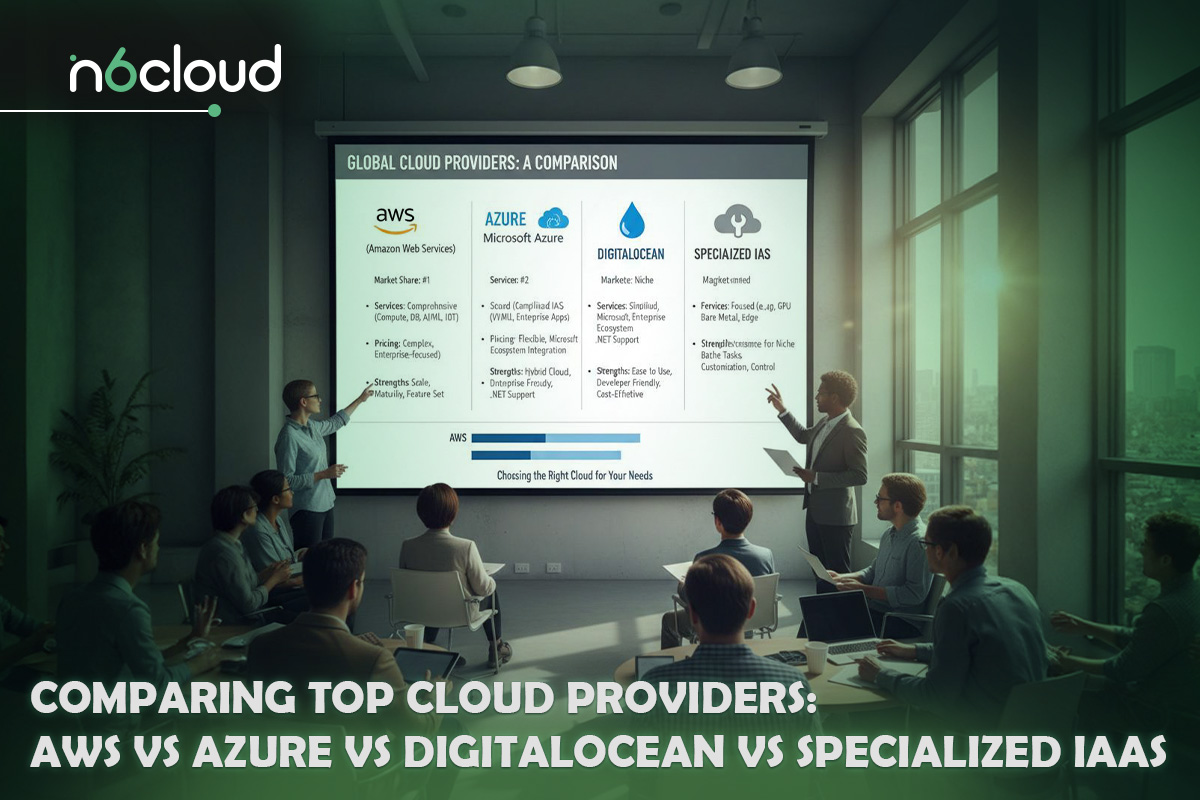
Comparing Top Cloud Providers: AWS vs Azure vs DigitalOcean vs Specialized IaaS
With a clear understanding of what to look for in a cloud provider, the next step is comparing the main categories of platforms available to small businesses today. While all cloud servers aim to deliver computing power on demand, the experience, pricing, and level of complexity can differ significantly depending on the provider you choose. Understanding these differences helps avoid selecting a platform that is either overkill or too limited for your needs.
Large hyperscale platforms such as Amazon Web Services, Microsoft Azure, and Google Cloud are designed to serve enterprises operating at global scale. These providers offer an enormous range of services, from basic virtual machines to advanced analytics, artificial intelligence, and machine learning tools. For businesses with highly complex requirements or plans to build sophisticated data-driven applications, this level of capability can be attractive. However, the breadth of services often comes with a steep learning curve. Pricing structures are detailed and sometimes difficult to predict, especially for small businesses without dedicated cloud architects or cost management tools.
For many small businesses and startups, developer-focused platforms like DigitalOcean and Vultr present a more approachable alternative. These providers focus on simplicity and predictable pricing, making it easier to deploy and manage cloud servers without deep cloud expertise. Resource plans are clearly defined, dashboards are intuitive, and billing is straightforward. This makes them a popular choice for early-stage companies, development teams, and businesses running standard web applications. The trade-off is that these platforms may offer fewer advanced services compared to hyperscalers, which can limit flexibility for more complex workloads later on.
Specialized infrastructure providers occupy a middle ground that is often overlooked. These companies focus on delivering high-performance cloud servers, transparent pricing, and strong human support rather than an overwhelming catalogue of services. They are particularly well suited to small and medium-sized businesses that need reliable infrastructure but do not want to manage every technical detail themselves. By offering enterprise-grade hardware, clear service level agreements, and direct access to experienced support teams, specialized providers can deliver a more balanced experience for growing businesses.
Choosing between these options depends on your priorities. Hyperscalers excel in scale and advanced features, but require careful cost and complexity management. Developer-focused platforms simplify deployment and billing, but may be better suited to standard workloads. Specialized providers often appeal to businesses that value performance, predictability, and expert guidance without enterprise-level complexity.
The key takeaway is that there is no single best provider for every small business. The best choice is the one that aligns with your technical needs, budget, and long-term growth plans, while offering a level of support and transparency that fits your internal capabilities.
Step-by-Step Guide: Setting Up Your First Cloud Server
Setting up your first cloud server does not require deep technical expertise, but it does benefit from a structured approach. When the steps are followed in the right order, the process becomes far more manageable and significantly reduces the risk of misconfiguration later on. This section walks through the setup as it typically happens, from initial planning to a secure and usable server.
The first step is to define what the server will actually be used for. Before selecting any technical options, you should be clear about whether the server will host a website, run a business application, store data, or support internal tools. Each use case places different demands on resources, and this clarity helps prevent both underpowered setups and unnecessary spending.
Once the purpose is clear, the next step is selecting an initial resource size. For many small business workloads, starting with a balanced configuration such as a quad-core virtual CPU and 8 GB of memory provides enough capacity to run applications smoothly without overcommitting. Storage can usually start modestly, since most cloud platforms allow it to be expanded later without disruption. At this stage, the goal is not to build for peak demand, but to create a stable baseline that can grow.
After choosing resources, the next step is selecting the data centre location. This decision directly affects how quickly users can access your services. Choosing a location close to your primary customer base reduces latency and improves responsiveness. For businesses serving a regional audience, this step alone can make a noticeable difference in performance and user satisfaction.
With the location set, the operating system is selected next. This choice determines how the server is managed and which software can run on it. Linux distributions are often chosen for their efficiency and lower cost, while Windows Server may be preferred when specific Microsoft applications are required. The operating system should align with your existing software and the technical comfort level of whoever will manage the server.
Once the server is created, security configuration becomes the immediate priority. Default settings are rarely sufficient for business use. The first action should be enabling multi-factor authentication on the cloud account to protect administrative access. Network firewall rules should then be adjusted to allow only essential traffic, reducing exposure to automated attacks. Finally, remote access should be secured using key-based authentication instead of passwords, which greatly lowers the risk of unauthorized access.
The final step is validating the setup before putting the server into active use. This includes confirming that applications start correctly, access permissions work as intended, and monitoring tools are enabled. Taking time to verify these basics ensures that the server is ready for production use and helps avoid preventable issues once real users depend on it.
Following these steps in order turns cloud server deployment from a vague technical task into a clear, repeatable process. For small businesses, this structured approach makes the cloud accessible, secure, and far less intimidating.
Cost Optimization: How Small Businesses Avoid Overpaying for Cloud Servers
One of the most common concerns small business owners have when moving to the cloud is cost control. While cloud servers remove the need for large upfront investments, they can still become expensive if resources are not managed carefully. The flexibility that makes the cloud attractive can also lead to overspending when usage is not aligned with real business needs. Understanding how to optimize costs from the beginning helps ensure that cloud infrastructure remains an advantage rather than a financial burden.
The first and most important principle of cost optimization is avoiding over-provisioning. Many businesses choose larger server configurations than they actually need, often out of fear that performance will suffer. In reality, most small business workloads use only a portion of their allocated resources for much of the time. Monitoring actual CPU, memory, and storage usage over the first few weeks provides valuable insight into what is truly required. With this information, resources can be adjusted to match real demand instead of assumptions, keeping costs under control without sacrificing performance.
Another key factor is understanding pricing models. Cloud providers typically offer pay-as-you-go pricing, where you are billed based on actual usage, and longer-term commitment options that offer discounts in exchange for predictable workloads. Pay-as-you-go pricing works well for businesses with fluctuating traffic or seasonal activity, as it allows resources to scale up and down without long-term commitment. Reserved or long-term pricing models can reduce monthly costs when usage is stable and predictable, but they should be chosen only after usage patterns are well understood.
Storage and data transfer are areas where costs can quietly grow if left unchecked. While storage prices are often low on a per-gigabyte basis, unused data, old backups, and unnecessary snapshots can accumulate over time. Regularly reviewing stored data and removing what is no longer needed helps prevent gradual cost increases. Similarly, understanding how outbound data transfer is billed is important for businesses that serve large files or high volumes of traffic, as these charges can add up quickly.
Automation also plays a role in cost efficiency. Many cloud platforms allow servers or resources to be scheduled, resized, or shut down when not in use. For example, development or testing environments do not always need to run continuously. Automating these processes reduces waste and ensures that resources are consumed only when they provide value. Over time, small adjustments like these can result in meaningful savings.
Cost optimization in the cloud is not a one-time activity. As businesses grow, launch new services, or change how they operate, resource needs evolve. Regular reviews of usage, billing, and performance help maintain balance between cost and capability. By treating cloud spending as an ongoing management task rather than a fixed expense, small businesses can fully benefit from the cloud’s flexibility while keeping budgets predictable and sustainable.
Conclusion: Build Your Digital Backbone with Confidence
Choosing the best cloud server for a small business is ultimately about alignment rather than scale. The right solution is not the one with the longest feature list or the biggest brand name, but the one that fits your current operations while supporting future growth without unnecessary complexity. A well-chosen cloud platform improves performance, strengthens security, and gives your business the flexibility to adapt as demands change.
Small businesses benefit most when cloud infrastructure is treated as a long-term foundation rather than a short-term fix. Decisions made early around provider choice, resource sizing, and cost control can prevent painful migrations, downtime, and unexpected expenses later. By focusing on compatibility, transparency, support quality, and predictable pricing, you create an environment where technology supports the business instead of becoming a distraction.
A reliable Cloud Server should enable your business to move faster, respond to opportunities with confidence, and operate securely in an increasingly digital marketplace. When chosen carefully, cloud infrastructure becomes a strategic asset that grows alongside your business, providing stability today and flexibility for tomorrow.