WordPress hosting is web hosting set up to run WordPress websites well. You rent space on a server that already meets WordPress’s technical needs, and the hosting company adds tools that make your site easier to install, quicker to load and safer to run. This guide explains what it means, how it works, what it costs and whether you need it.
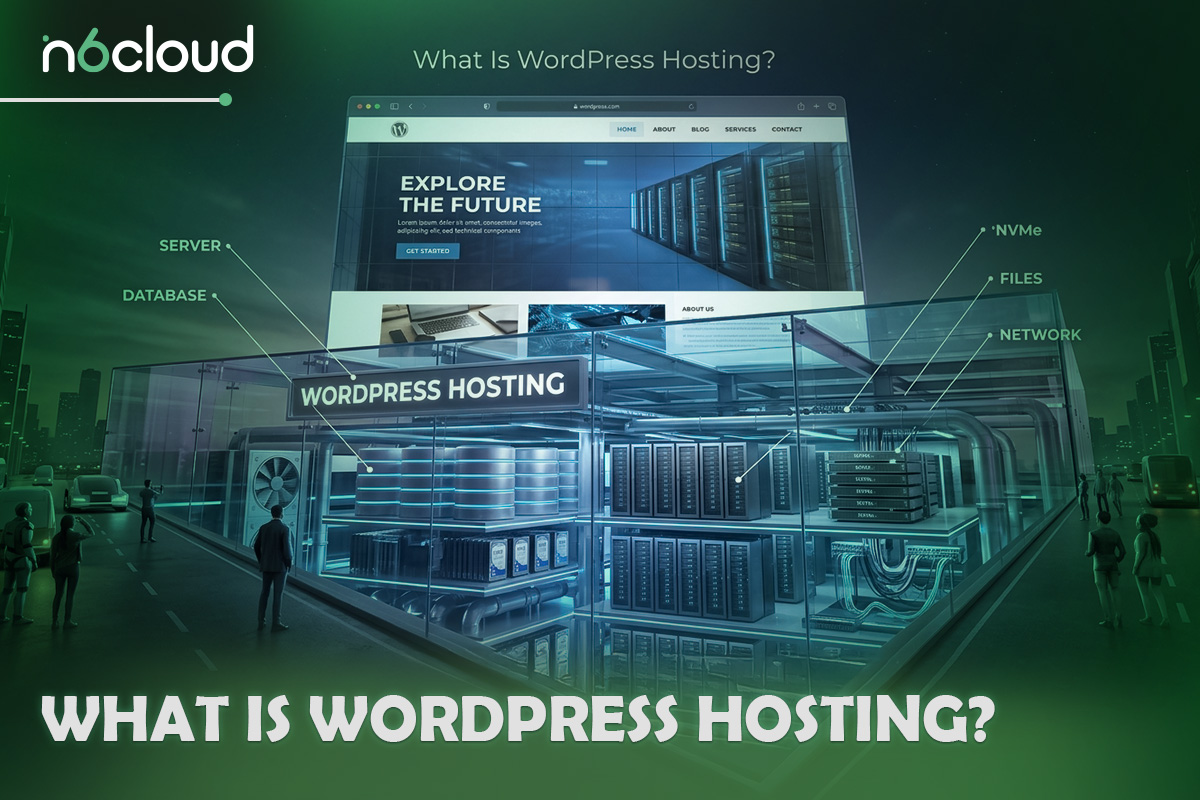
What Is WordPress Hosting?
WordPress hosting is a type of web hosting configured specifically for WordPress websites. The server already meets WordPress’s software requirements, and the provider adds tools such as one-click installation, caching, automatic backups and WordPress-aware security. In most cases, it is shared hosting tuned for WordPress rather than a completely different kind of server.
Hosts build plans around WordPress for a simple reason: it is everywhere. According to W3Techs, WordPress powers 40.1% of all websites and 58.6% of sites that use a known content management system (October 2026). With that many users, it makes sense to package the right PHP and database versions, server-level caching and security rules that understand WordPress files into one ready-made plan. That is what the term “WordPress web hosting” really describes. Many providers, including N6 Cloud, sell WordPress hosting as its own plan family, so you can choose a plan without first studying server specifications.
Does WordPress Host Your Website? WordPress.org vs WordPress.com
Much of the confusion comes from the fact that two different products share the WordPress name. WordPress.org is where you download WordPress itself, which is free, open-source software. It does not host anything. You install it on a hosting account you rent, connect your own domain name, and you own and control everything on the site.
WordPress.com is a hosting service run by Automattic, a company founded by one of WordPress’s co-creators. It uses the same software, but the hosting is included, so you sign up and start writing. There is a free plan with WordPress.com branding and tight limits, and paid plans start at US$4 a month on annual billing. Since April 2026, every paid WordPress.com plan can install plugins. Developer tools such as SFTP, SSH, and staging are only available on the Business plan (US$25 a month billed yearly) and the Commerce plan.
So, is WordPress a web host? The software is not, but WordPress.com is. When people talk about “WordPress hosting”, they almost always mean a hosting plan for running the free WordPress.org software, and that is what the rest of this guide covers.
How Does WordPress Hosting Work?
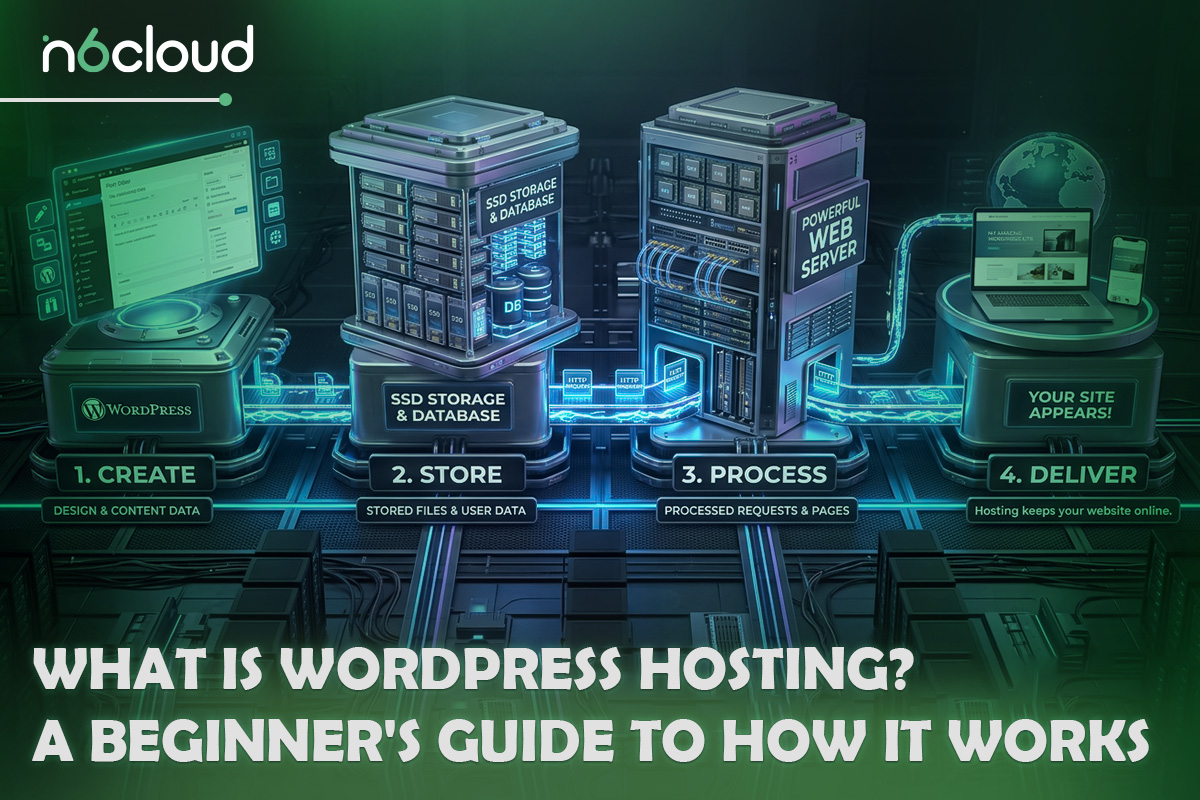
WordPress is a PHP application that keeps its content in a database. Each visit sets off a quick chain of events:
- The visitor types your domain name into a browser, for example, yourdomain.ca.
- DNS finds your server. The Domain Name System, the internet’s phone book, turns your domain into your server’s IP address.
- The web server receives the request. Software such as Apache, Nginx or LiteSpeed accepts the visit and passes it to PHP.
- PHP runs WordPress. WordPress loads your theme and plugins, then asks the MySQL or MariaDB database for the posts, pages, menus and settings it needs.
- The finished page returns to the browser, along with its images, stylesheets, and scripts.
Building every page from scratch takes work, so good WordPress hosts add caching. A cache keeps a finished copy of each page and sends it to the next visitor, skipping PHP and the database. It is one of the main reasons a site feels fast on one host and slow on another.
It also helps to separate two things beginners often mix up. Your domain is the address people type. Your hosting is the building where your WordPress files and database live. You need both, and they can come from the same company or from two different ones.
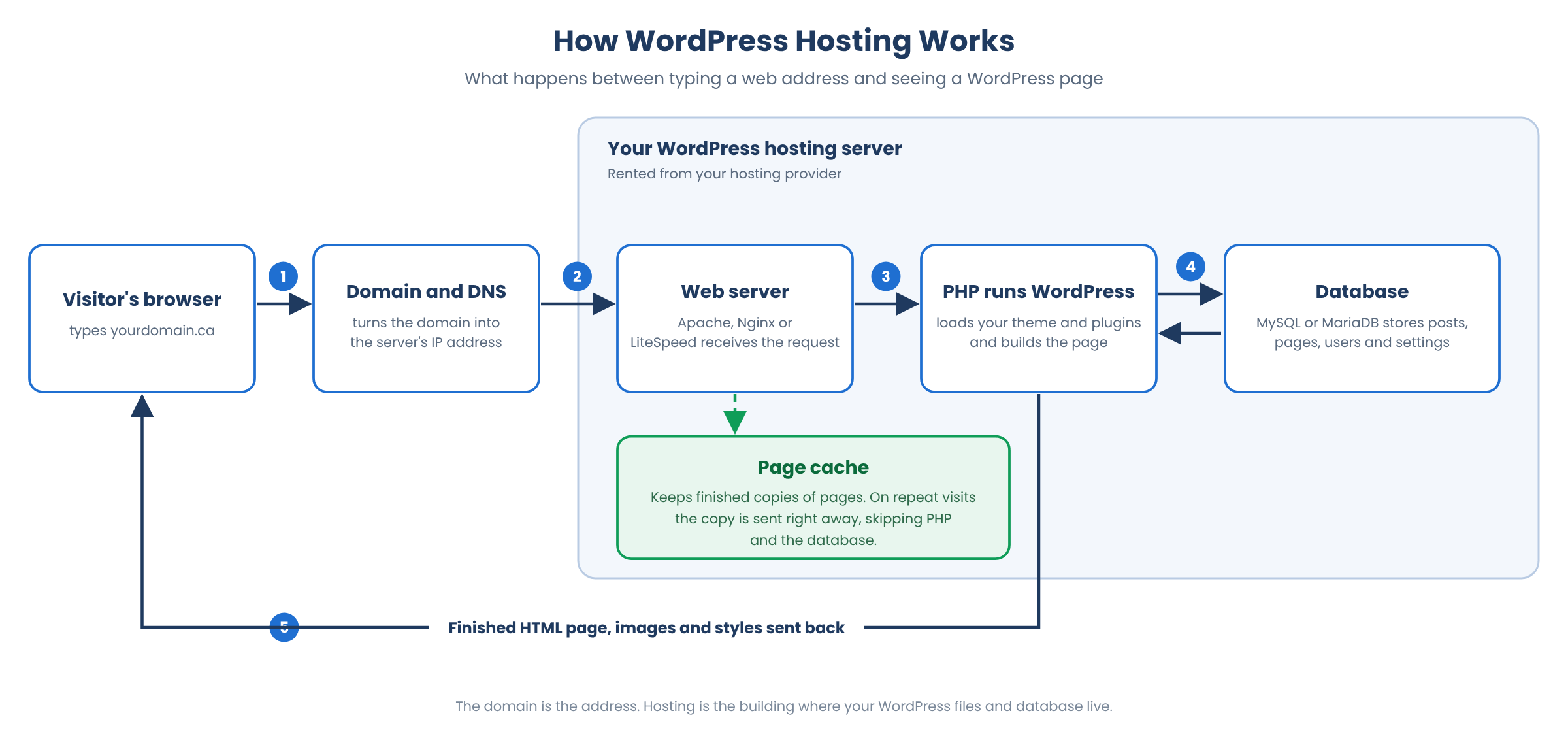 Figure 1: The request path behind every WordPress page view.
WordPress Hosting vs. Regular Web Hosting: Do You Need It?
You do not strictly need a plan labelled “WordPress hosting”. WordPress runs on any host that meets its requirements. The official WordPress requirements ask for a recent version of PHP, a MySQL or MariaDB database and HTTPS support, and that page always lists the current recommended versions. Most reputable shared hosting plans meet that list, so the real difference is in the setup, tuning, and tools.
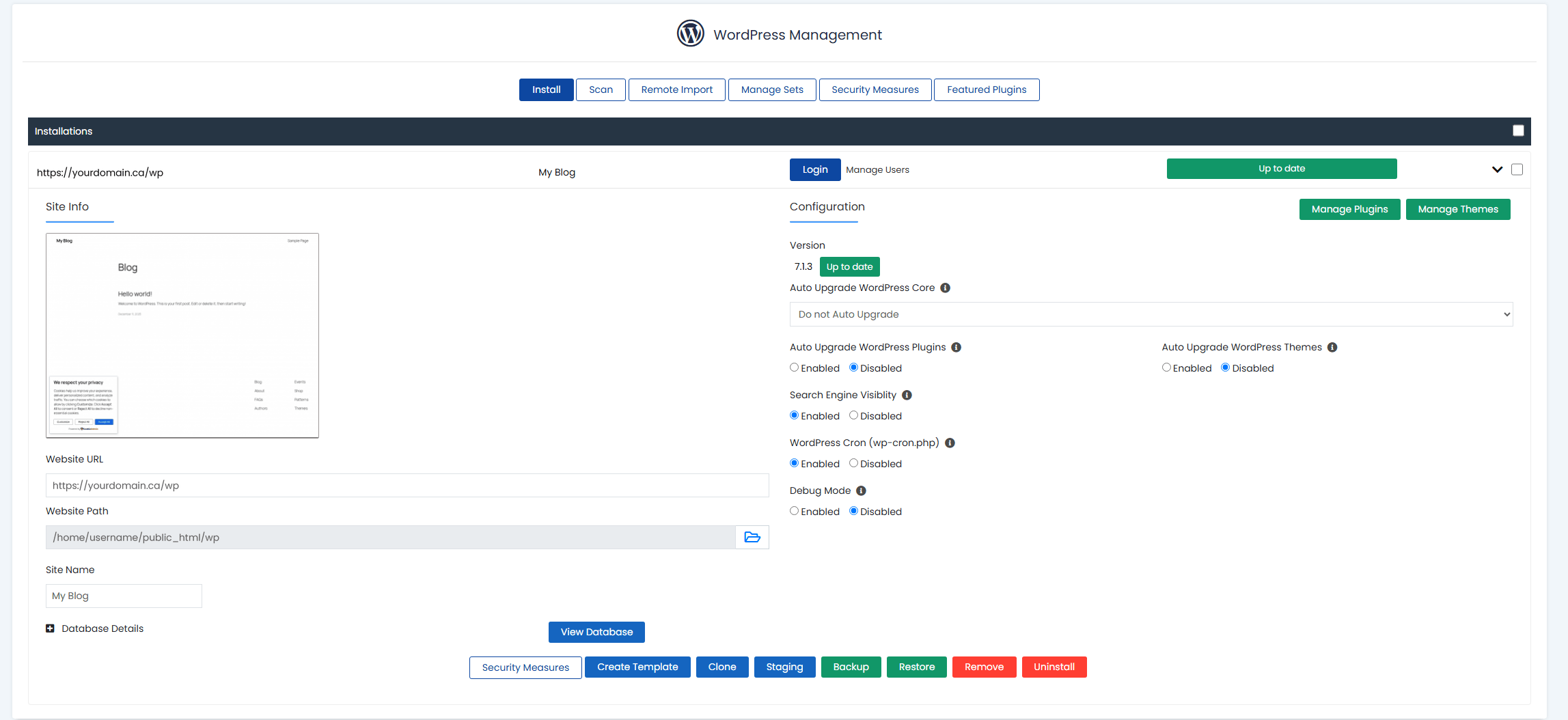 Figure 2: WordPress Manager by Softaculous in N6 Cloud’s cPanel, with update, staging, clone and backup controls for each site.
At many hosts, both plan types run on similar servers, and the price gap is small or zero. That means the WordPress plan is usually the better choice if you already know you will build with WordPress, because you get the tools without paying extra. Regular hosting still makes sense if you plan to run several kinds of applications on one account. Our guide to WordPress hosting vs. shared hosting compares the two in more detail.
Types of WordPress Hosting
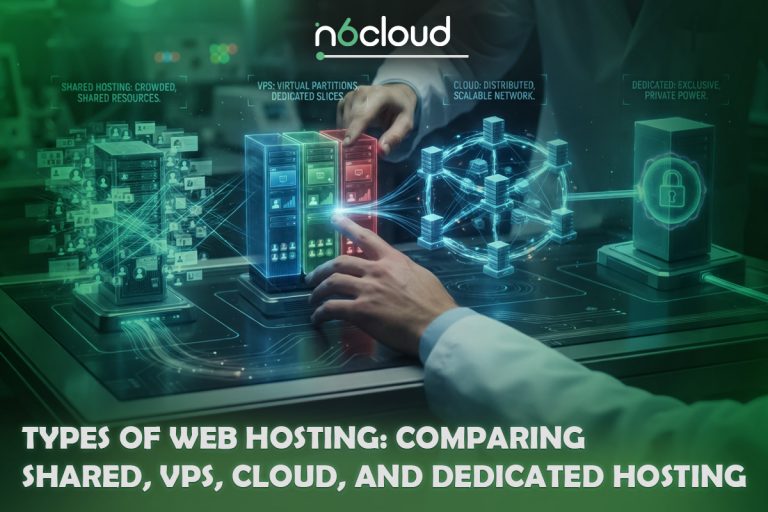
WordPress hosting comes in five main forms. The difference is how much of a server you get and how much upkeep the provider handles.
Most beginners start on shared WordPress hosting and move up only when traffic or business needs demand it. The next step most people consider is managed WordPress hosting, where the provider handles routine maintenance. For a fuller look at each option, read our guide to the types of WordPress hosting.
What’s Included in a WordPress Hosting Plan?
A solid WordPress hosting plan should include the following. If something is missing or costs extra, factor that into your comparison.
- One-click WordPress install. Pick your domain, add a site name and admin details, and the installer sets up WordPress and its database.
- Free SSL certificate. SSL encrypts the connection between your site and visitors, enables HTTPS, and removes the “Not secure” warning in browsers.
- Automatic backups. Daily backups you can restore yourself are your safety net.
- Caching. Server-level caching keeps pages fast with little setup.
- Staging. A staging copy lets you test a new plugin, theme or update privately before it touches your live site.
- Security tools. Look for a web application firewall, malware scanning and isolation between accounts on the same server.
- WordPress-aware support. Support staff who understand WordPress can quickly tell a hosting problem from a plugin problem.
- Free site migration. The host moves your existing site for you at no charge.
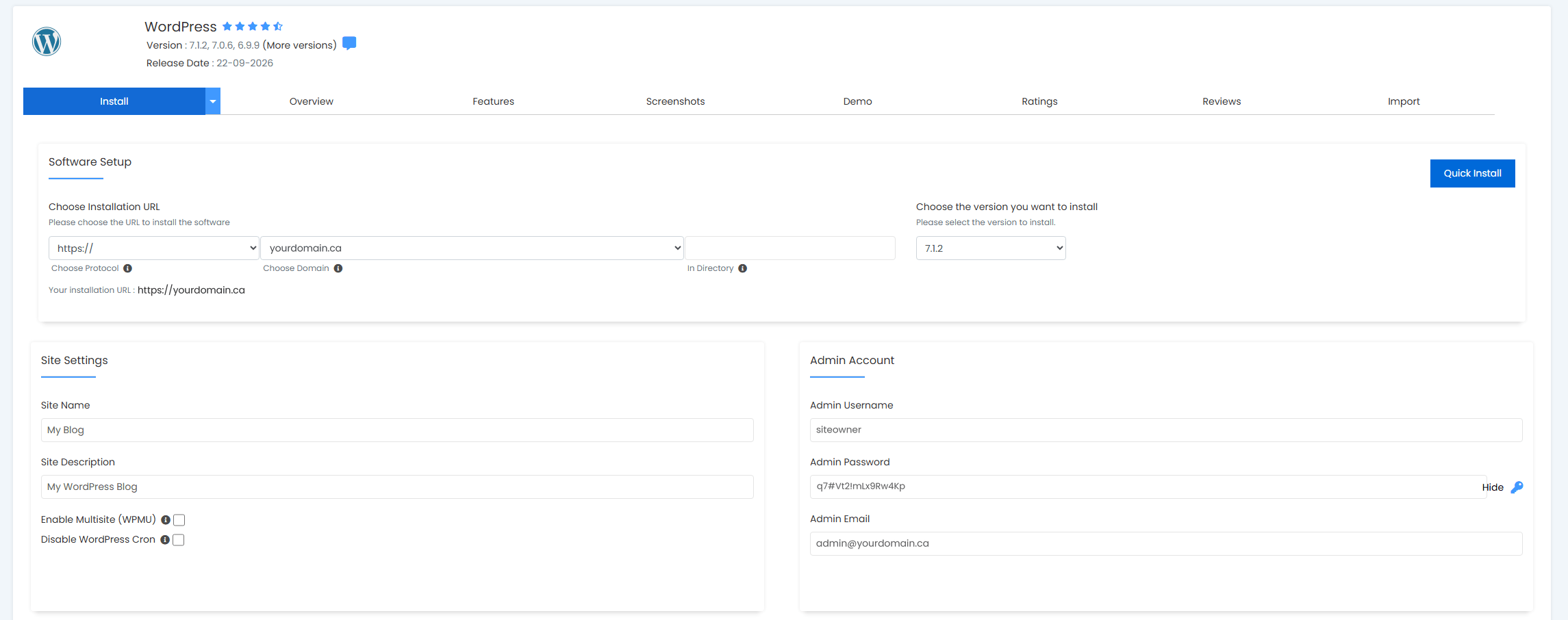 Figure 3: Installing WordPress in one click from cPanel at N6 Cloud.
At N6 Cloud, WordPress Hosting includes cPanel with one-click installs through WordPress Manager by Softaculous, Imunify360 security, daily backups, free SSL, free migration and servers in Canadian data centres.
Who Should Use WordPress Hosting?
WordPress hosting suits almost anyone building with WordPress, and it fits four situations especially well.
Bloggers and personal sites. A blog or portfolio needs little power, so an entry plan with one-click install, free SSL and backups covers everything.
Small business websites. A service or brochure site needs to load quickly, stay secure and be easy to update. WordPress hosting covers those basics at a low monthly cost, and you can upgrade later without rebuilding.
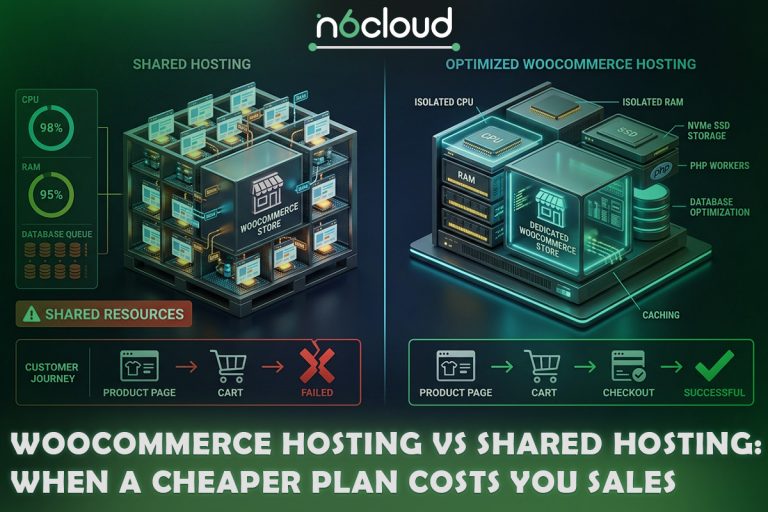
Online stores. WooCommerce turns WordPress into a store, but cart and checkout pages cannot be cached because they change for every shopper. Stores therefore need more server resources than a blog. Consider a higher plan or dedicated WooCommerce hosting.
Agencies and freelancers. If you build and look after several client sites, a plan that hosts multiple sites, with staging and cloning built in, saves hours every month.
WordPress hosting is not the right fit if your site does not use WordPress, or if it has outgrown shared resources and needs a VPS or a dedicated server. For more detail, read about the benefits of WordPress hosting.
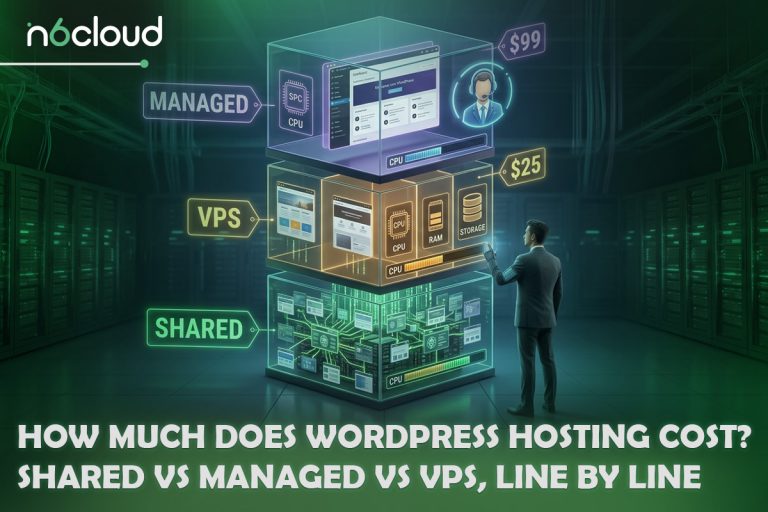
How Much Does WordPress Hosting Cost?
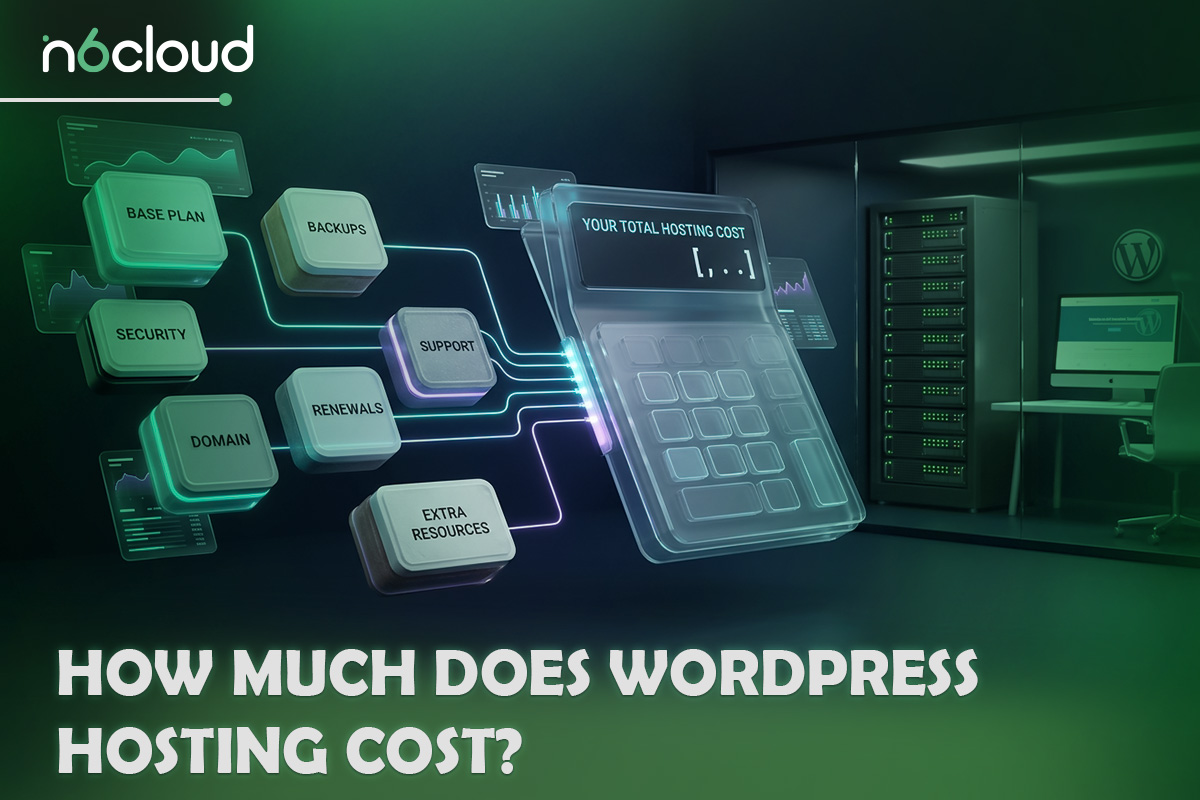
Prices vary by type of hosting. As a general guide, in US dollars:
- Shared WordPress hosting: around US$2 to US$4 a month on introductory deals, usually renewing at roughly US$8 to US$18 a month.
- Managed WordPress hosting: entry plans commonly start at about US$10 and US$35 a month.
- VPS and cloud hosting: from a few dollars a month for a small unmanaged server to US$50 or more for larger or managed setups.
- Dedicated servers: typically around US$100 a month and up.
The biggest trap is the renewal price. Low introductory rates often require you to pay one to three years upfront, and the plan often renews at two to four times the starting price, sometimes more. Compare the renewal price and billing term, and budget for a domain name and any premium themes or plugins.
As an example, N6 Cloud’s Starter WordPress Hosting plan costs US$2.24 a month with annual payment and the promo code intro-starter, and it renews at US$6.74 a month. The Business plan, which hosts up to 10 sites, starts at US$4.49 a month. Every plan comes with a 30-day money-back guarantee. You can compare all of our Canadian WordPress hosting plans side by side.
How to Choose a WordPress Hosting Provider
Use this checklist to compare providers:
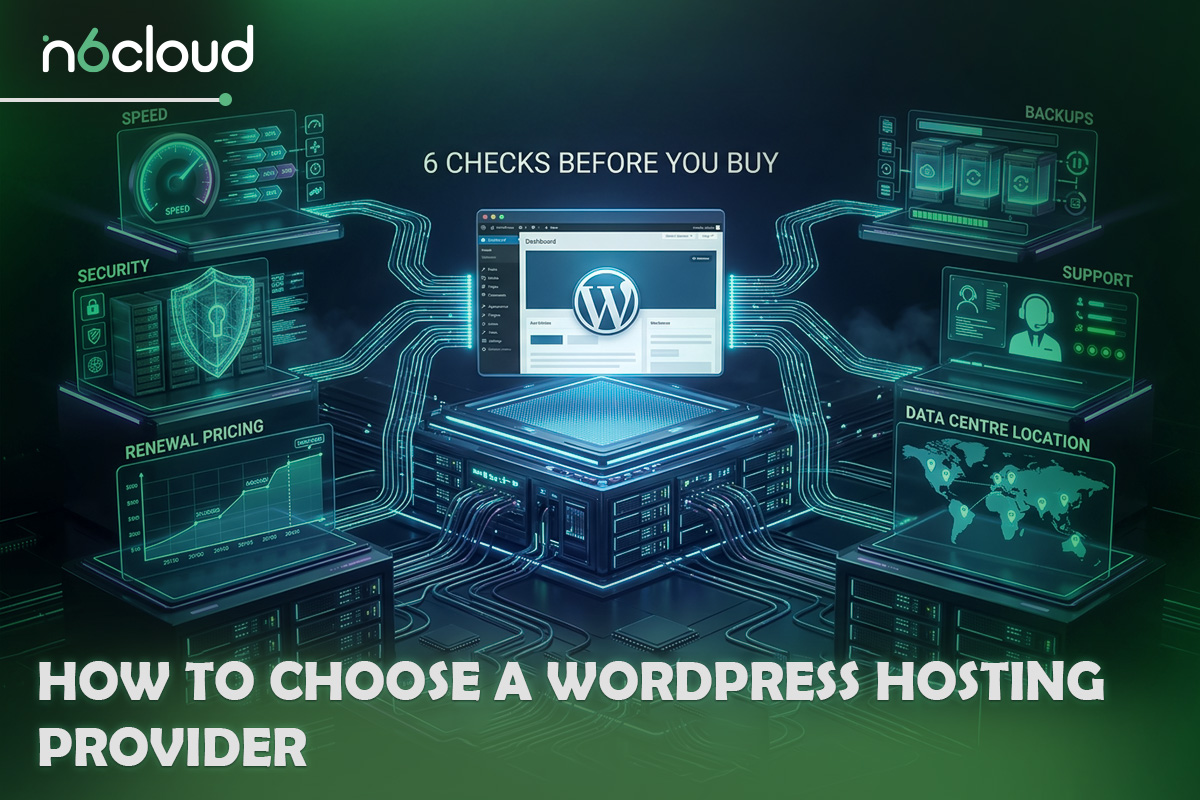
- Speed. Look for server-level caching, current PHP versions and SSD storage.
- Security. A firewall, malware scanning, free SSL and isolation between accounts should come standard, not as paid add-ons.
- Backups. Check how often backups run, how long they are kept and whether you can restore them yourself in a few clicks.
- Support. Find out which channels are available and when, and whether the team can help with WordPress-specific problems.
- Renewal pricing. Compare what you will pay after the first term, not only the introductory rate.
- Data centre location. Servers close to your visitors load pages faster. For Canadian audiences, Canadian data centres shorten that distance and keep your site’s files in Canada, which many businesses prefer.
For a ranked comparison, see our guide to the best WordPress hosting for small businesses.
Conclusion
WordPress hosting is web hosting set up for WordPress, with the installer, caching, backups and security tools that make a site easier to launch and run. For most first sites, an entry-level shared WordPress plan is all you need, and you can move up as your traffic grows. When you are ready to launch, explore N6 Cloud’s WordPress hosting in Canada, backed by Canadian data centres and a 30-day money-back guarantee.